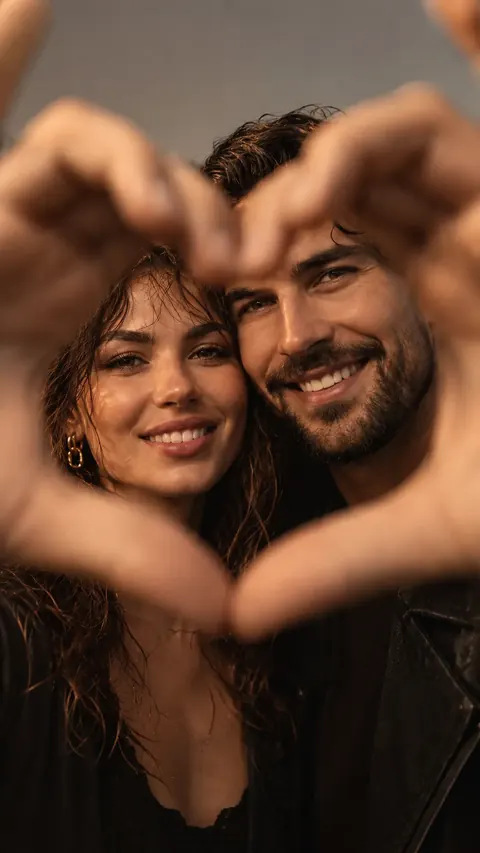
Your partner takes your photos
Hand them the phone. Svoya does the directing.
Svoya lays the photo you love right over your live camera. Whoever is holding the phone simply lines it up: the pose, the angle, the framing. No photography skills needed.
7 days FREE on the yearly plan for new subscribers. Cancel anytime. No commitments.
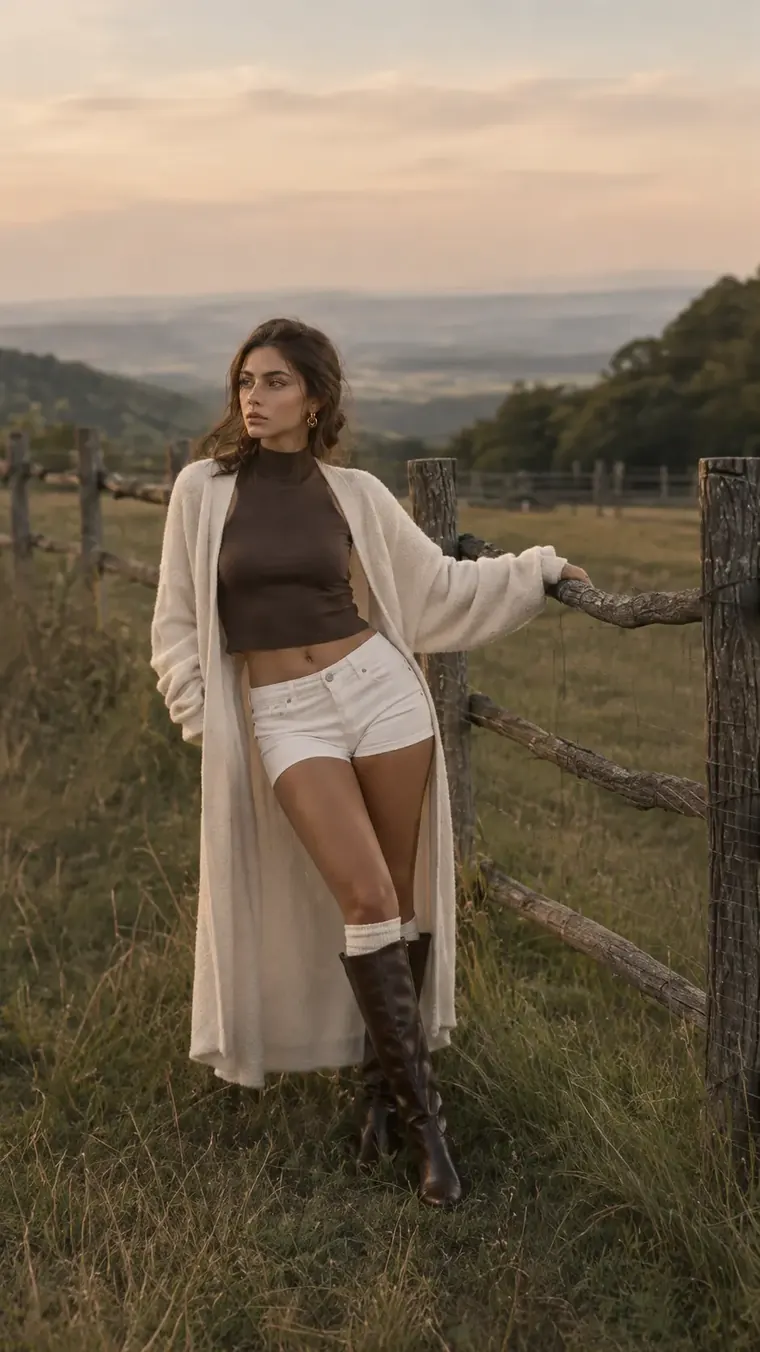
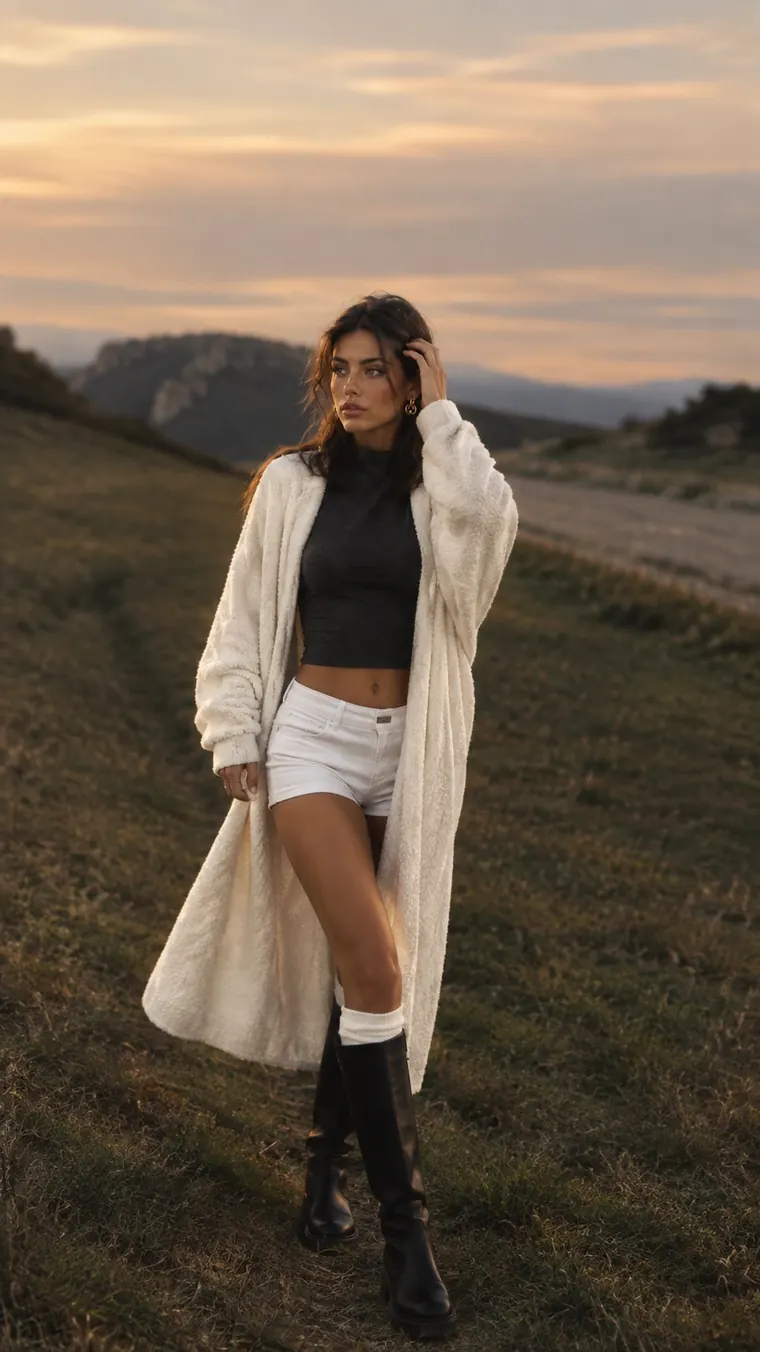
Try it: drag the slider, or hold the eye to peek without the reference.
Sound familiar?
You know exactly the shot you want. Explaining it is the hard part. Svoya ends the guessing: the photo you have in mind is right there on the screen, for both of you to see.
How it works
Three steps from "I want that photo" to the photo.
Pick a pose from the Svoya library, or import any photo you love from your gallery: a saved post, a screenshot, a shot from a magazine.
Your reference appears right over the camera. Set its opacity from 0 to 100%, then drag, pinch and rotate it until it fits the scene.
Line it up and shoot. Burst and timer help you catch the moment, and every photo is saved straight to your gallery, in its own Svoya album.


Try it: drag the slider, or hold the eye to peek without the reference.
Made for the moment
Fade your reference from 0 to 100% and see the pose and your live scene at the same time.
Drag, pinch and twist the reference with your fingers. Double-tap to reset.
Press and hold the eye to hide the reference for a clean look at the frame.
Mirror only the reference, never your live view, when the pose works better the other way round.
Shoot 3, 5 or 10 photos in a row, or set a 3, 5 or 10 second timer and get in the shot yourself.
A rule-of-thirds grid plus 9:16, 3:4 and 1:1 frames, front or back camera, with lens zoom buttons.
The pose library
Selfie, standing and sitting poses for women, men and couples. Save your favorites, and keep your own references under My Poses.
 Natural selfie
 Hug in the air
 Front pose
 Hands in pockets
 Side sittingHeart selfie
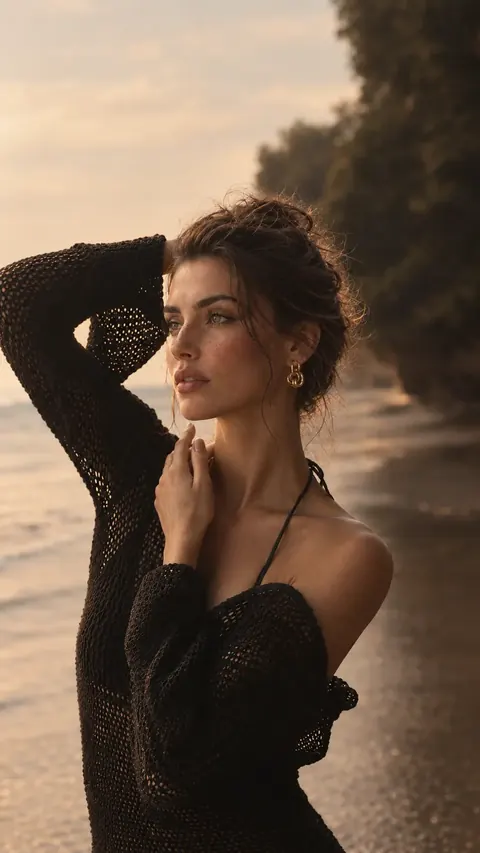 Side pose
 Window sitting
 Back hug
 Close-up
 Shoulder kiss
 Sitting casual
Inside the app
Browse by who is in the photo, open any pose to see it big, and one tap takes you to the camera with that pose already in place.
 Mirror selfie
 Front pose
 Sitting
 NaturalClose-upSoft lightFront poseWindowBeach
Made for you, whoever holds the phone
Hand them the phone. Svoya does the directing.
Set the timer, match the pose, get the shot. No photographer needed.
Show the pose instead of describing it.
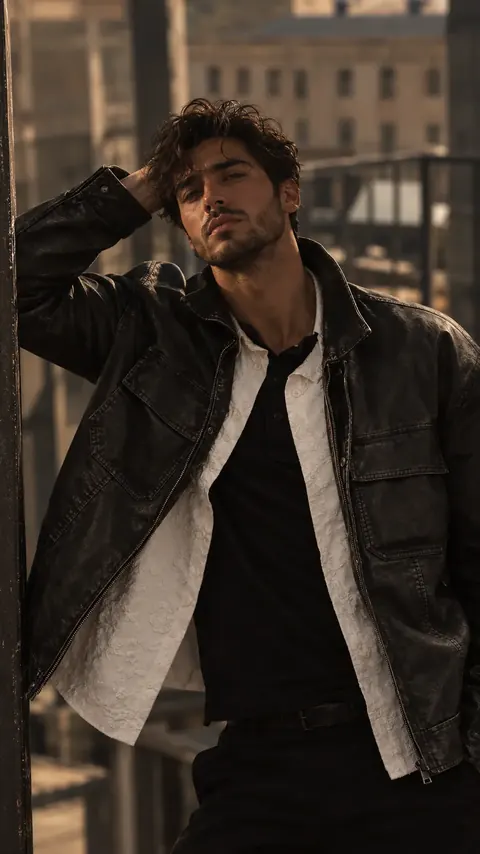
Recreate shots you admire and see why they work.
Private by design
Svoya never uploads your photos or your references. What you shoot is saved on your phone, and nowhere else.
Your camera roll and your references never leave your device.
No sign-up, no password, no profile to fill in.
We don't show ads and we don't sell your data. Read the privacy policy.
Start free
Choose the yearly plan and your first week is on us. Prefer monthly? That works too. Cancel anytime in your App Store or Google Play settings.
Free trial for new subscribers on the yearly plan. Prices are shown in the app before you subscribe and may vary by country.
Questions
No. That's the point. The reference sits right on the screen, so they only need to line up what they see. No explaining, no guessing.
Yes. Import any photo from your gallery and it's saved under My Poses, ready to use again. Use photos as a private guide for your own shots.
No. Photos you take are saved to your phone's gallery, and references you import are kept inside the app on your device. We never receive them.
No. Svoya works without signing up. Your subscription is linked to your App Store or Google Play account.
iPhone and Android phones. Zoom buttons follow the lenses your phone has.
English, Slovak, Czech, Croatian, German, Spanish, Italian, French, Polish, Ukrainian and Hindi. The app follows your phone's language, and you can change it in your profile.
In your App Store or Google Play subscription settings, at least 24 hours before your trial or current period ends. Deleting the app does not cancel the subscription.